
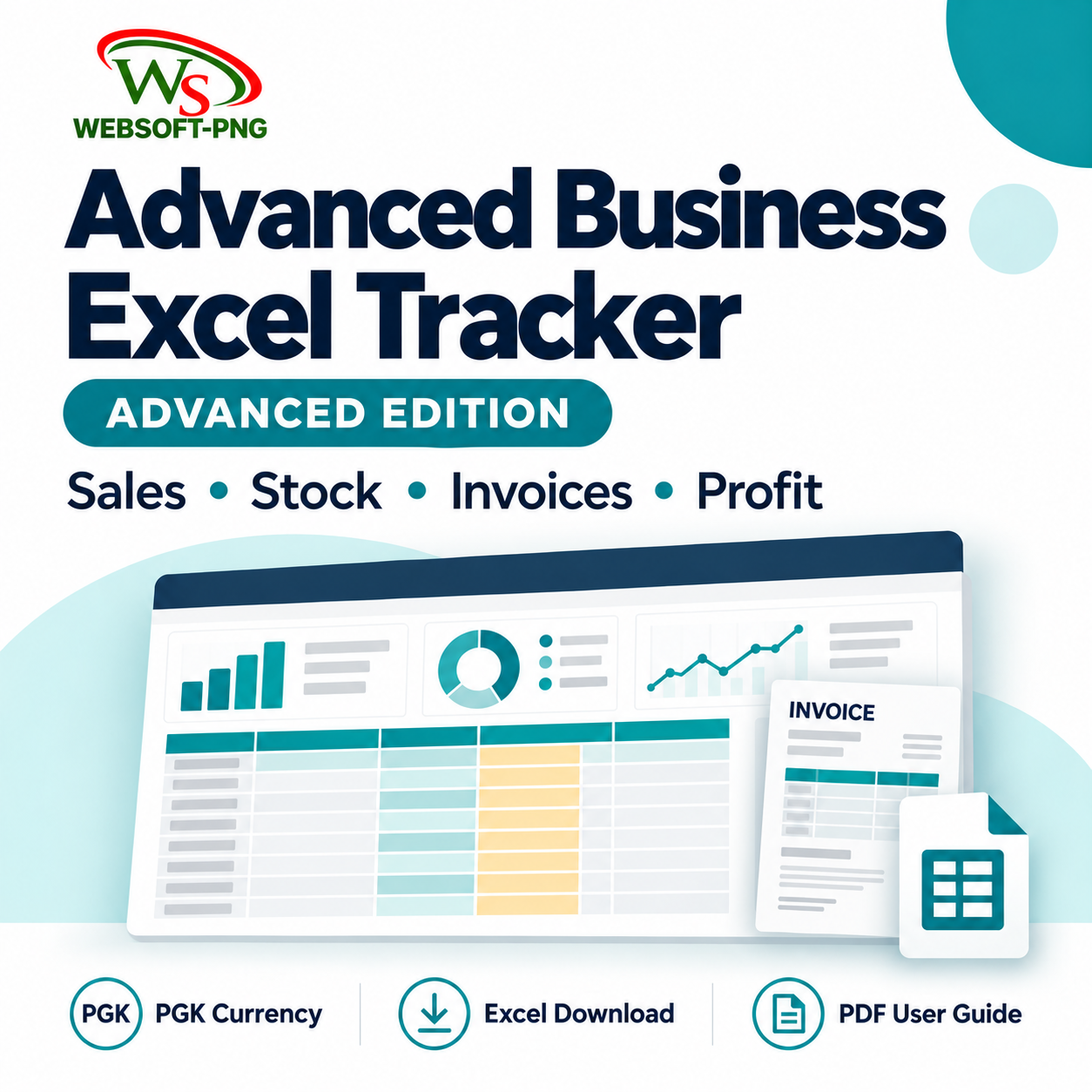
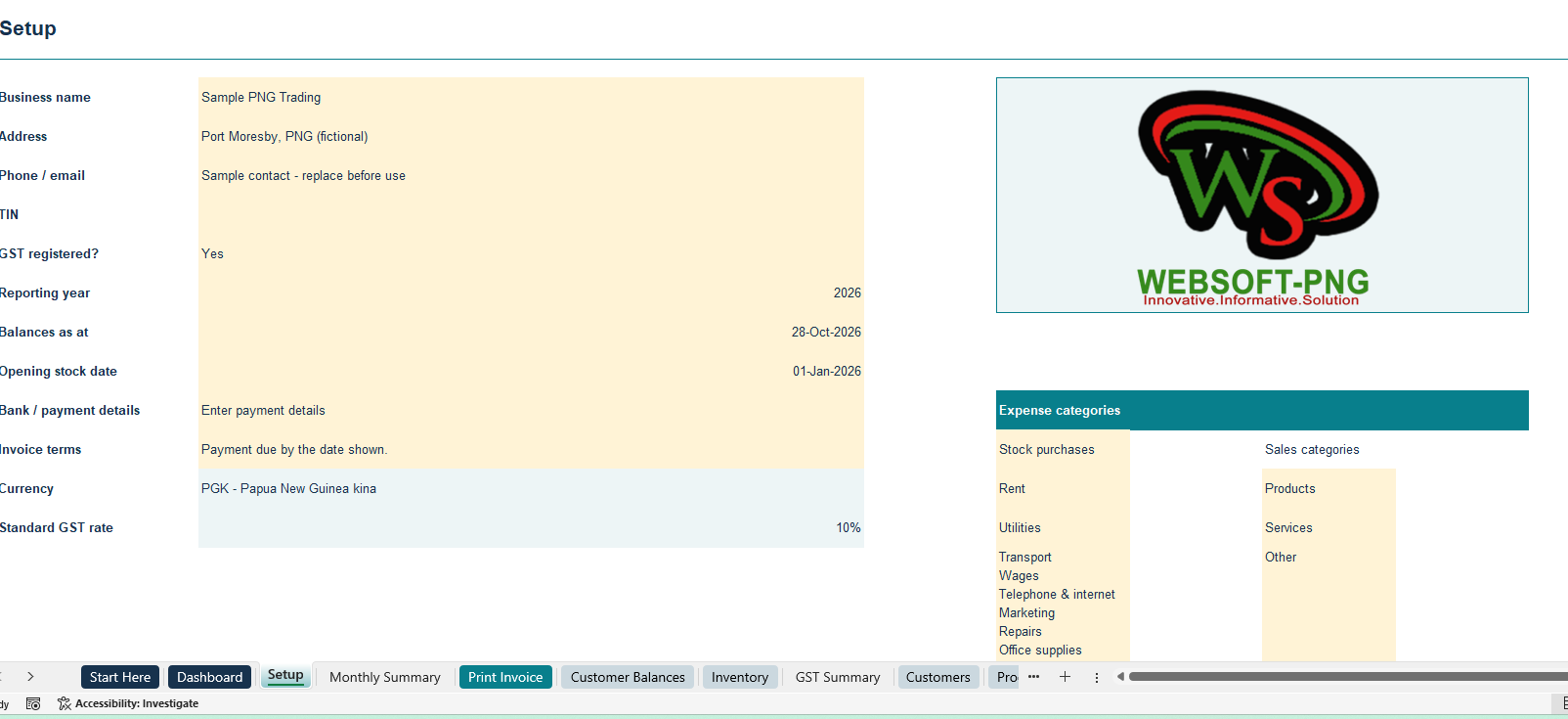
The WebsoftPNG Advanced Business Excel Tracker helps small businesses in Papua New Guinea organise sales, expenses, stock and customer payments in one workbook. It uses Kina (PGK) currency and includes a separate step-by-step PDF user guide.
Manage sales and customer invoices
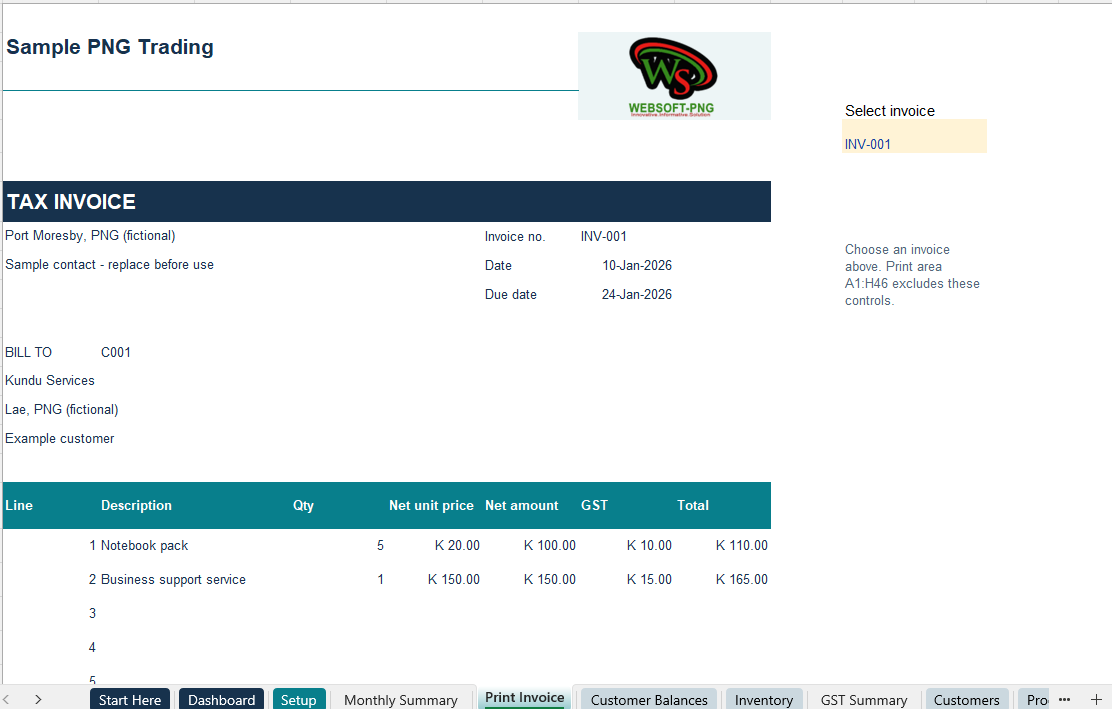
Record customers, products and services, then enter invoice sales with individual item details. Prepare printable invoices featuring your business name, contact details, payment instructions and logo.
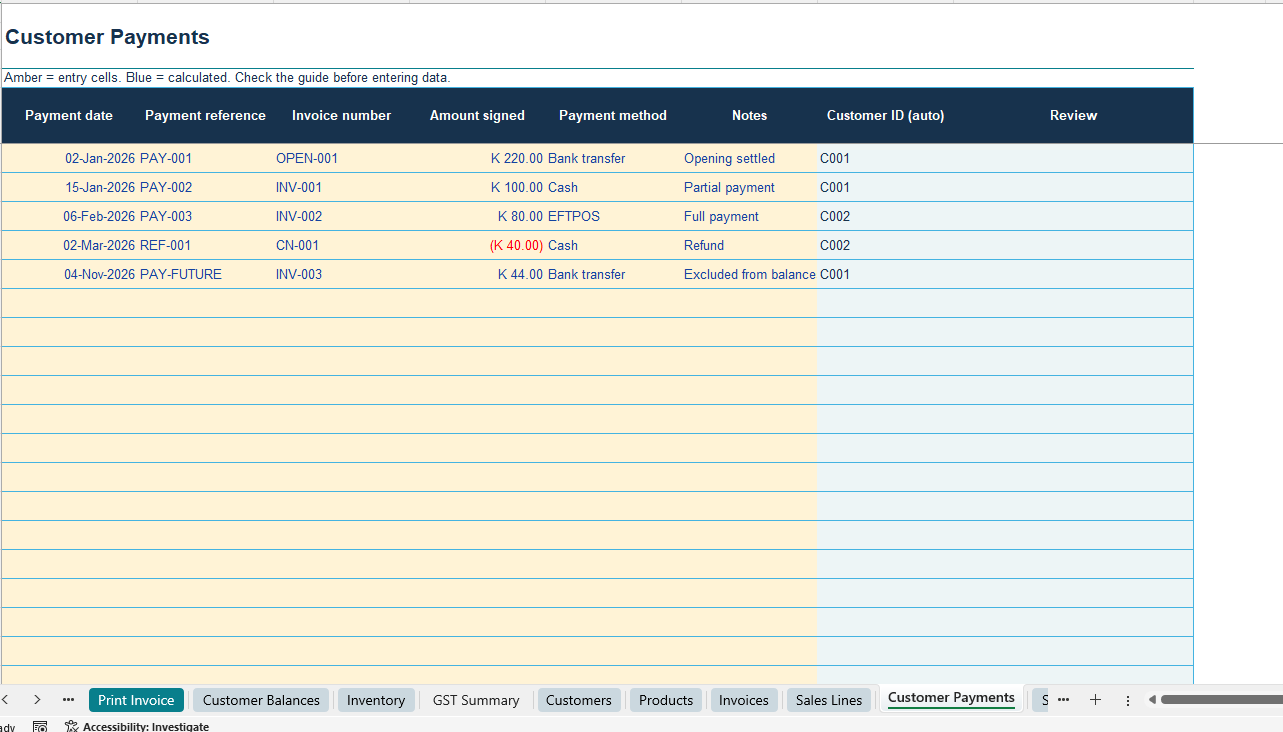
Record full or partial customer payments against the relevant invoice. Monitor unpaid amounts, overdue invoices and customer balances without recording a payment as another sale.
Monitor stock and recorded costs
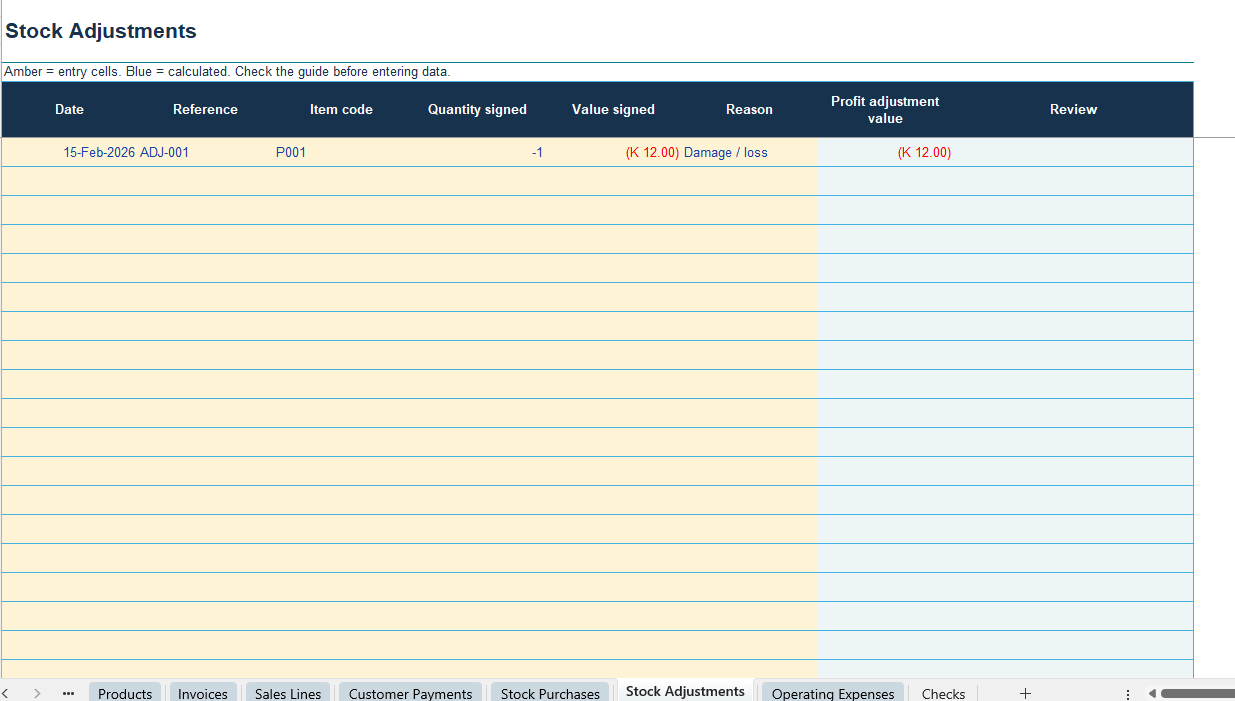
Enter opening stock, paid stock purchases and stock adjustments. Review stock quantities, inventory values and reorder indicators.
Enter a fixed unit cost for each sales line to calculate cost of sales and operating profit. Stock costing is manual; the workbook does not automatically calculate FIFO or moving-average costs.
Review expenses and business results
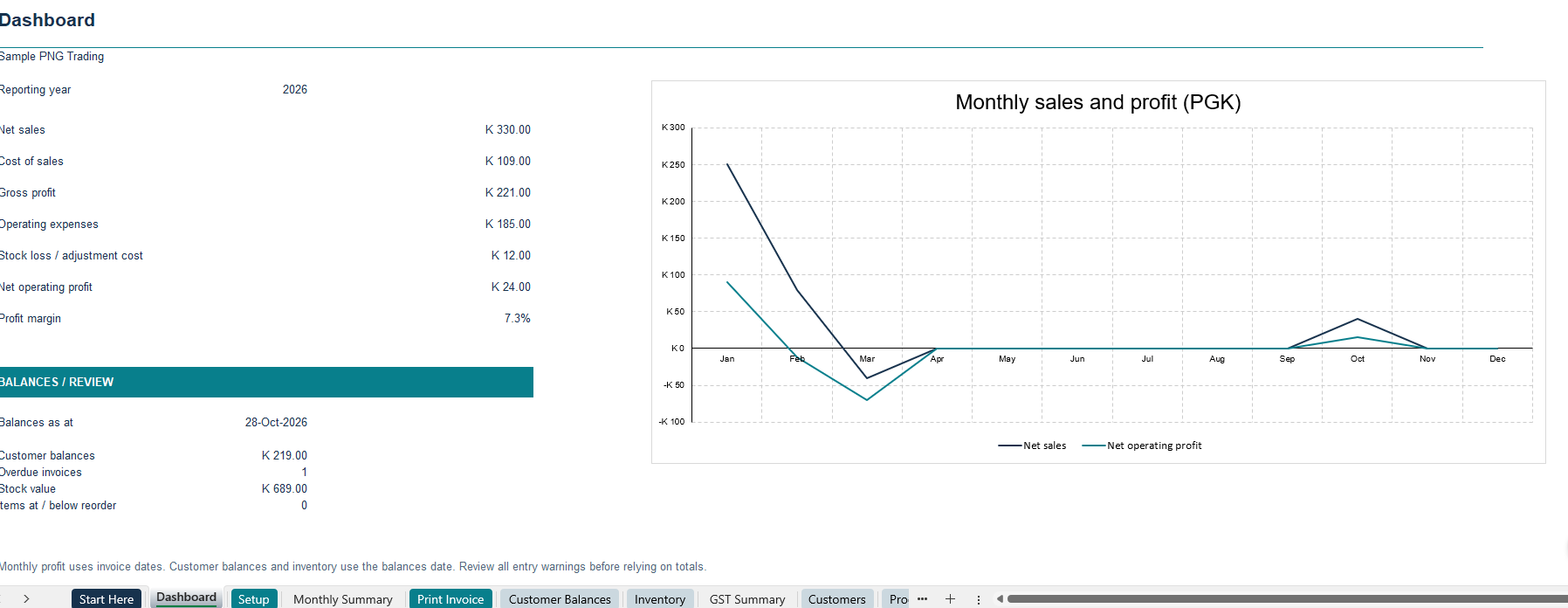
Record paid operating expenses separately from stock purchases. Use the dashboard and monthly summaries to review net sales, cost of sales, gross profit and operating profit based on your entries.
Customer balances and inventory reports use your selected balances date. Review warnings and compare your records with supporting documents before relying on the results.
Optional GST recording
The tracker provides a fixed 10% standard GST option alongside separate zero-rated, exempt and non-registered choices. Purchase entries include an input-GST recovery choice.
Choose the correct treatment for each transaction. The GST summary supports recordkeeping and does not replace a tax return or professional advice.
What your download includes
- Advanced Tracker blank Excel workbook.
- Completed example workbook with fictional business records.
- Separate Advanced Tracker PDF user guide.
- Instructions for setup, logos, cell protection, transactions, invoices, printing, PDF export and backups.
Requirements and capacity
Microsoft Excel desktop software is required and sold separately. The workbook uses Excel 2010-compatible formulas; testing in every Excel release has not been completed.
Prepared capacity includes 500 rows per transaction table, 200 customers, 200 products or services, and 20 lines per invoice.
This product supplies macro-free .xlsx workbooks. No macro installation is required.
Digital delivery
Download access is provided after payment confirmation. No physical item is shipped.
This tracker does not include supplier accounts payable, payroll or a complete accounting system.
Need help with this tracker? Contact WebsoftPNG. https://websoft-png.com/contact/
Reviews
There are no reviews yet.